
November 6, 2026
The renewed Martial.Events
Finding a competition, entering your team and running an event have all been rebuilt. The site has a new look, works well on your phone, and makes the next step clear wherever you are.
For everyone
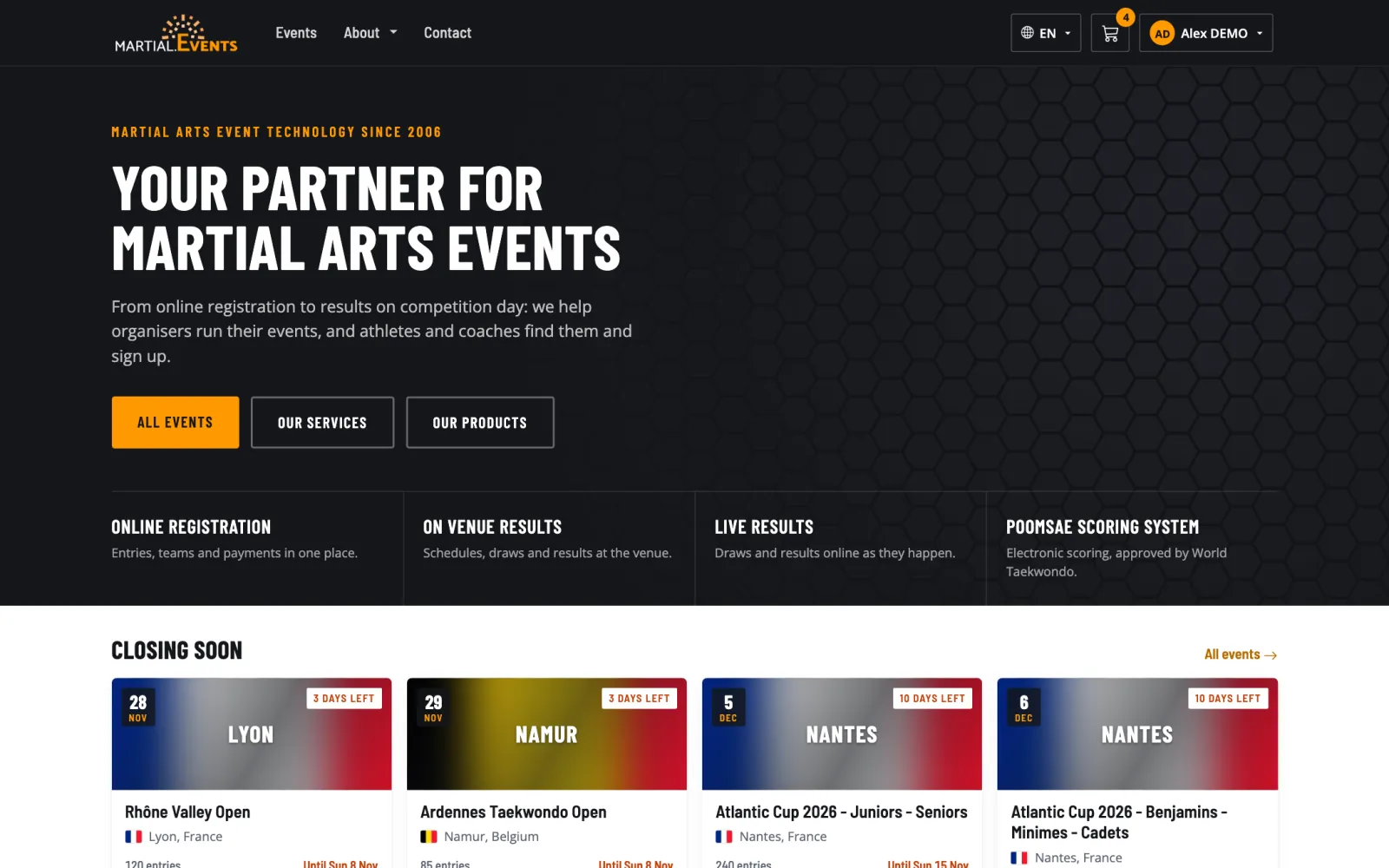
- A fresh home page. Featured events, registrations closing soon, and a calendar you can browse month by month.
- Find events faster. Search by name, country or place, and switch between upcoming and past events.
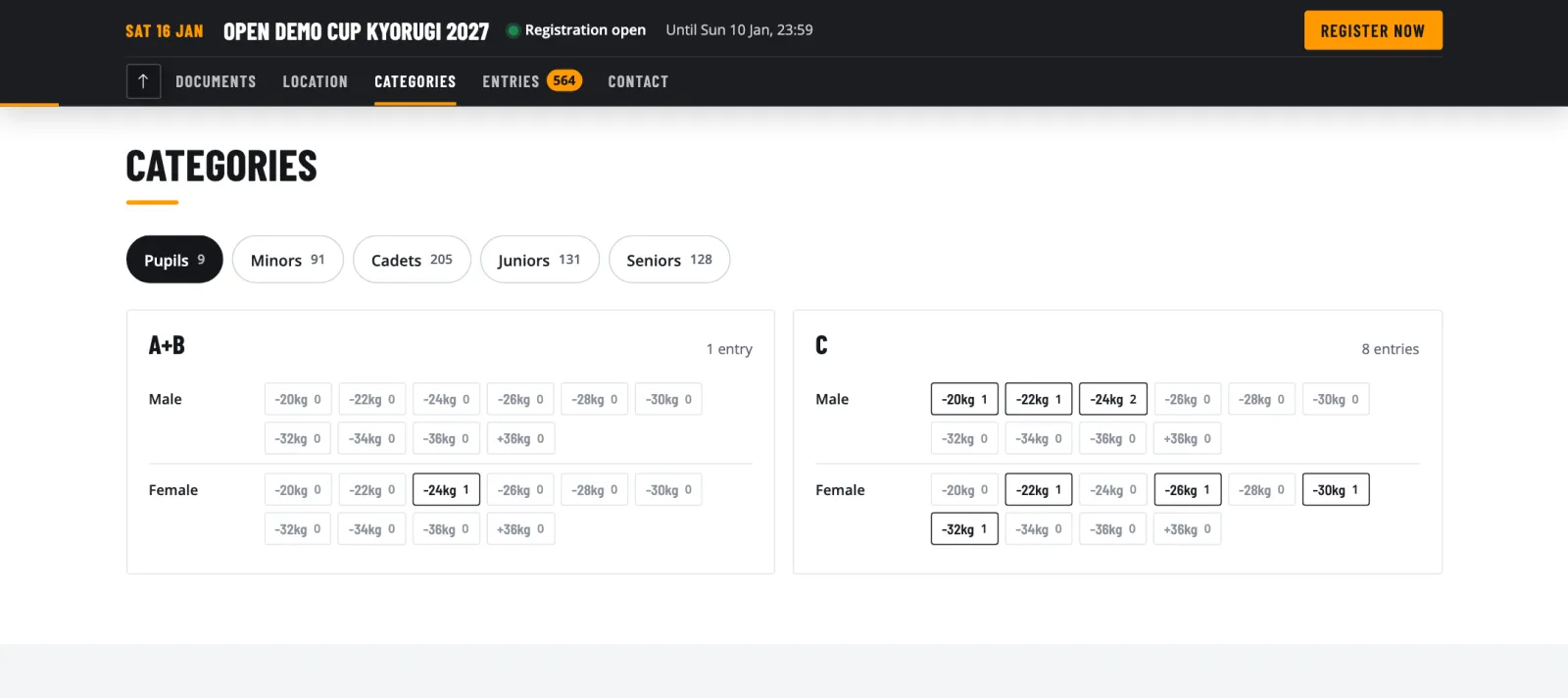
- Everything about an event on one page. Information, categories, entries, photos, documents and contact details, with a clear registration status always in view.
- Categories that are easy to read. Ages, weights and divisions are laid out clearly, even for the largest competitions.
- More respect for privacy. Young athletes appear with a shortened name on public entry lists, the lists come down three months after the event, and you decide on cookies.
For teams and participants
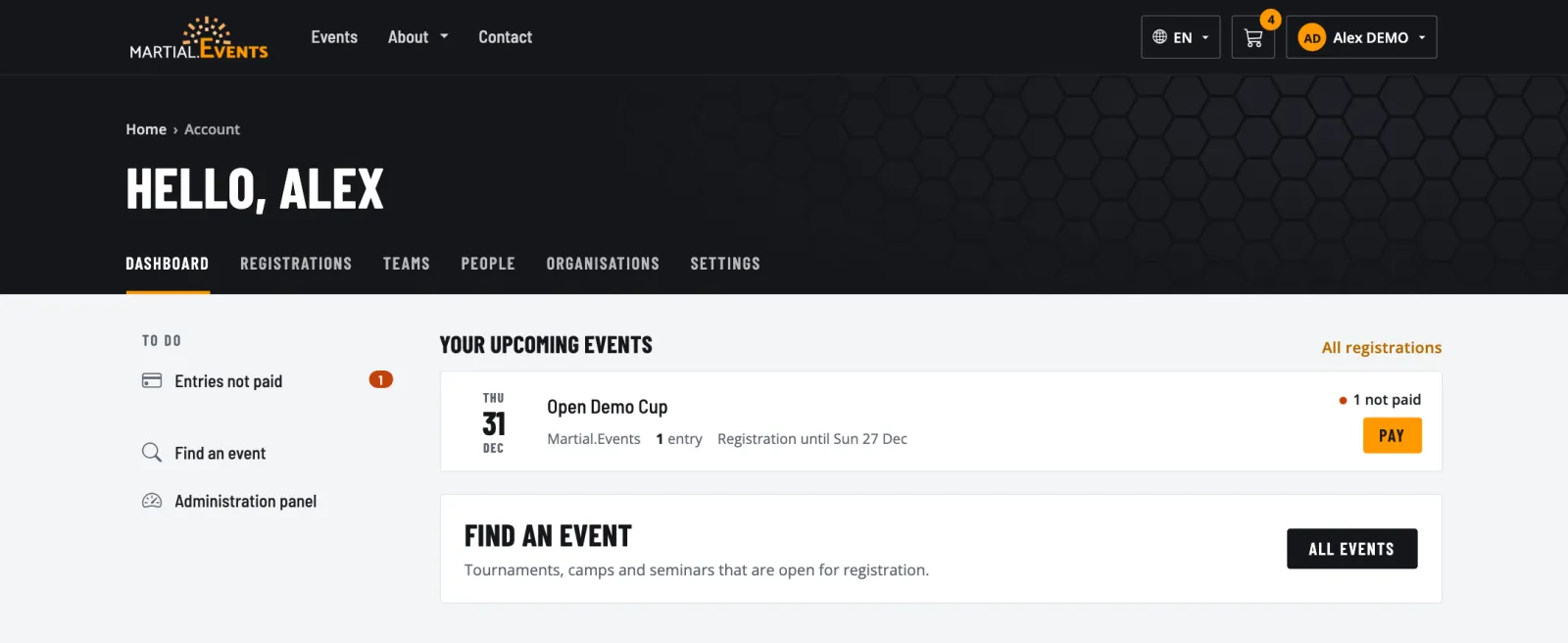
- A dashboard that tells you what to do. Unpaid entries, approvals you're waiting for and upcoming deadlines, all in one place.
- Enter a whole team in one go. Add several athletes at once, with a searchable category list that recommends what fits each person.
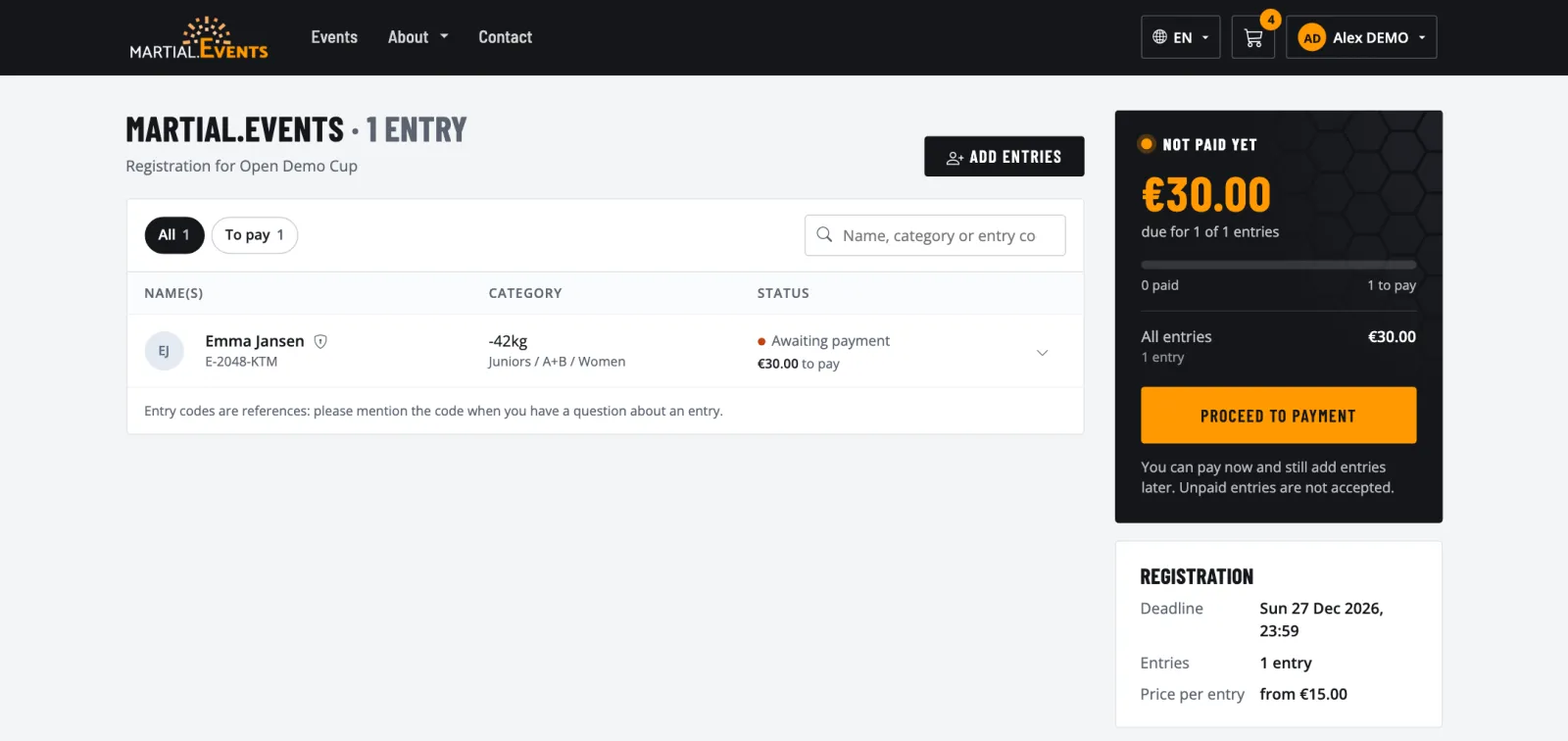
- Always know where you stand with payment. See what's paid, what's in progress and what's still due. Choose which entries to pay for now.
- Plans change, and so can your entry. Update a weight or grade and pick the right category, or replace an athlete where the organiser allows it.
- Clearer e-mails. A new design that shows what happened and what to do next, including when you get a place from the waiting list. Deadlines also appear in your own time zone.
- A tidier account. Archive old teams and people, and keep your people's details up to date from one place.
- A safer account, under your control. Log in with Google, add two-step verification or a passkey, and see which devices are logged in. You can also download your data or delete your account yourself.
For organisers
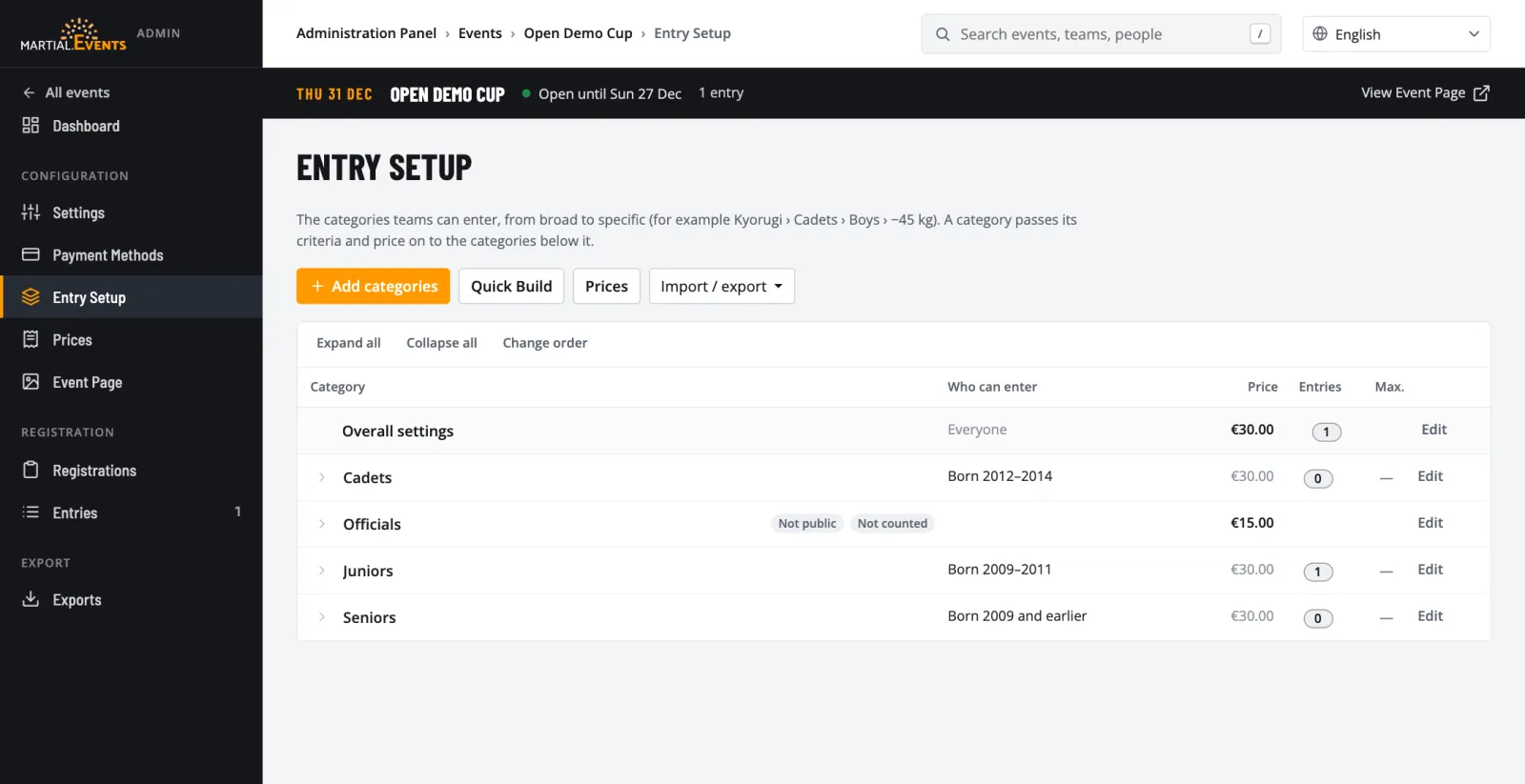
- Categories set up in minutes. A guided setup starts from your previous edition, another event, federation rules or your own categories.
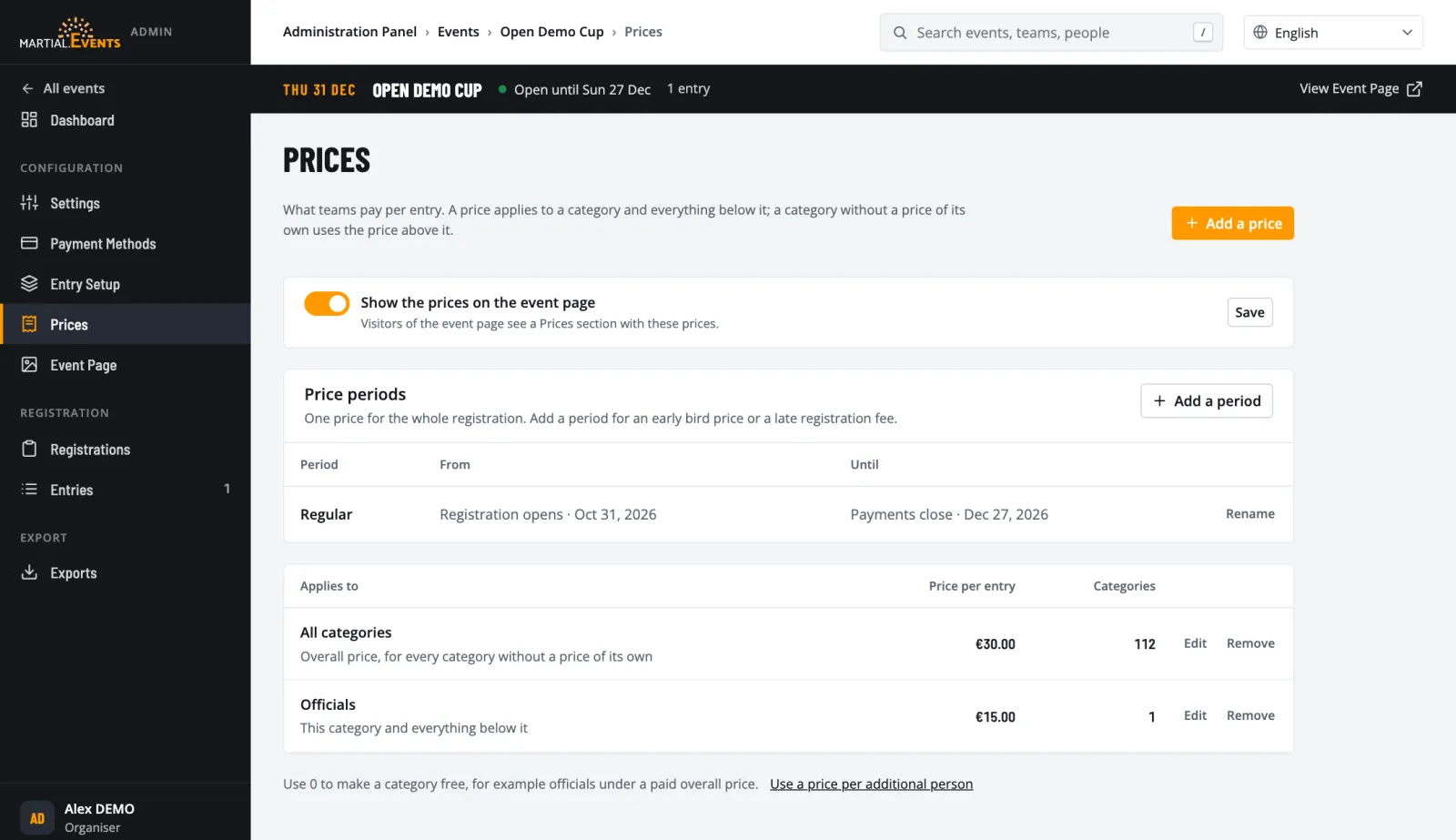
- Flexible pricing. Set early-bird periods and different prices per category, and choose whether prices appear on your event page.
- Limits and waiting lists. Set a maximum for the event or per category. When a place opens up, the next team on the list moves up and is told by e-mail.
- An event page you manage yourself. Drag and drop photos and documents, crop your header image and write your description with images from your gallery.
- Entries at a glance. Filter by status, search, and handle many entries at once. Teams get one tidy approval e-mail instead of a stream of separate messages.
- Reliable payments. Payment statuses stay in step with the payment provider, and paid entries keep their status and their place.
- Search and history. Find any event, team or entry from the top of every page, and see who changed what in the audit log.
- Privacy taken care of. Consent for Para categories is collected from teams and recorded per entry, and the organiser terms include a data processing agreement.